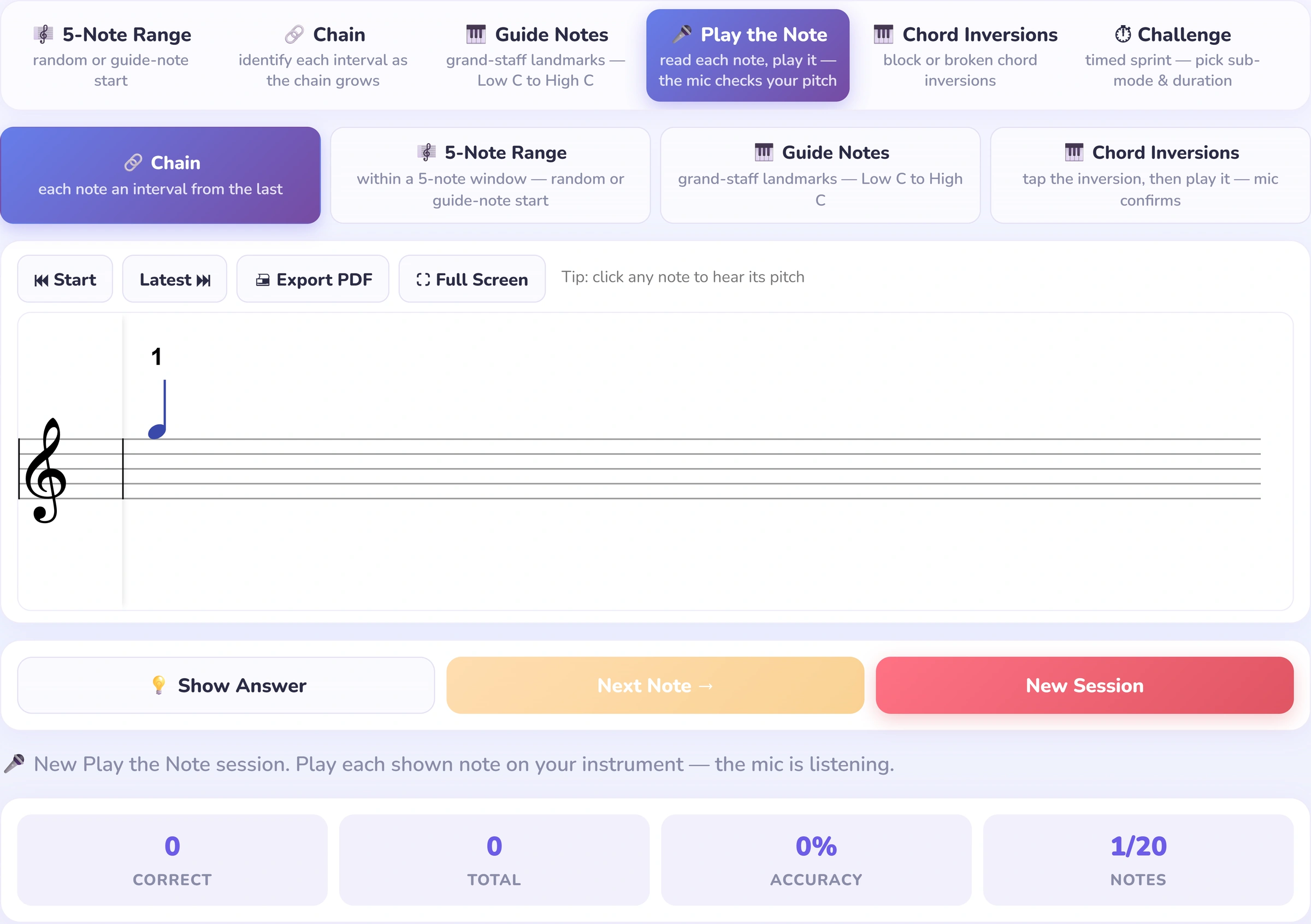
The mic checks the piano, not the click
The student reads the note and plays it on their own piano; Interval Hero listens for the pitch. Acoustic, digital or MIDI, and a tap answer still works too.
 Interval Hero
Seven practice modes, the mic checks their playing, and only first‑try answers count.
Built and run by Leroy Lee, a working piano teacher in Kuala Lumpur.
Three views, three differences: the instrument is heard, the first attempt stays honest, and every session has a clear next step.
The student reads the note and plays it on their own piano; Interval Hero listens for the pitch. Acoustic, digital or MIDI, and a tap answer still works too.
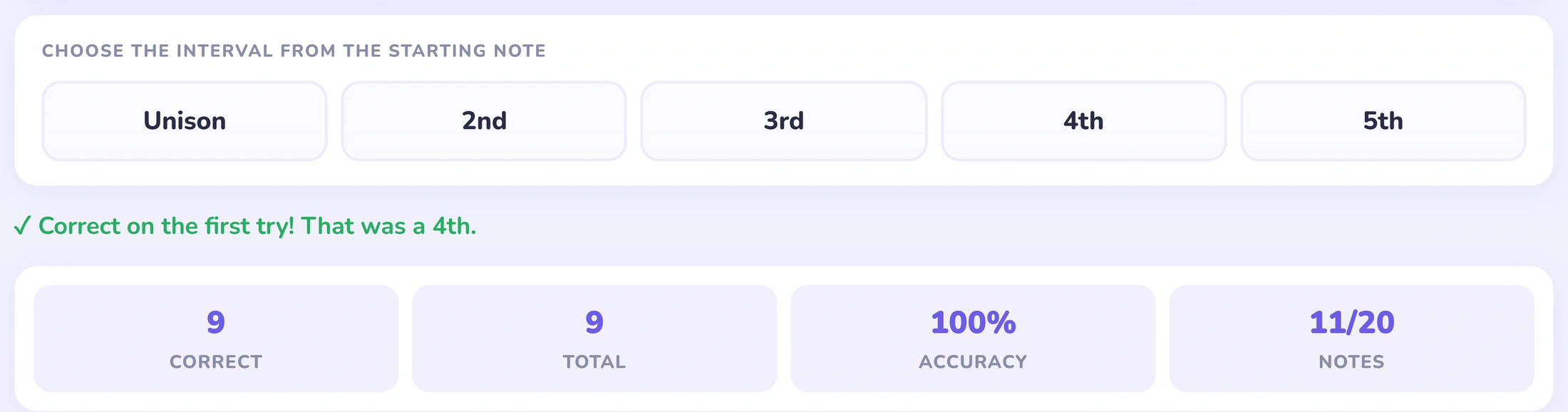
Fixing a note afterwards still leaves it marked wrong. The accuracy figure reflects the student’s read, not a lucky retry.
Seven levels in a set order, with short sub-levels and a rank to climb from Interval Rookie to Interval Maestro.
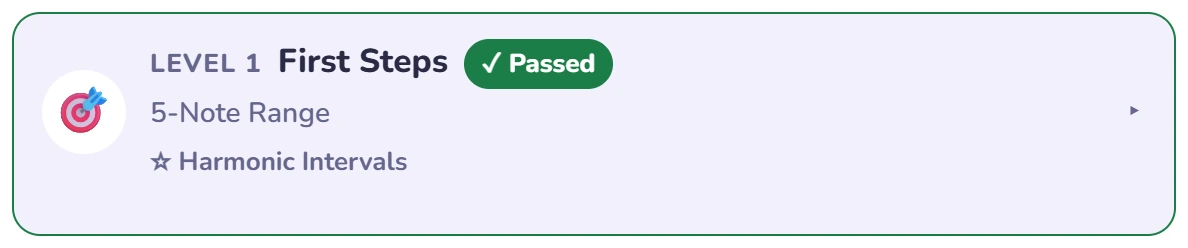
Read intervals within one five-note hand position, from unisons up to fifths.
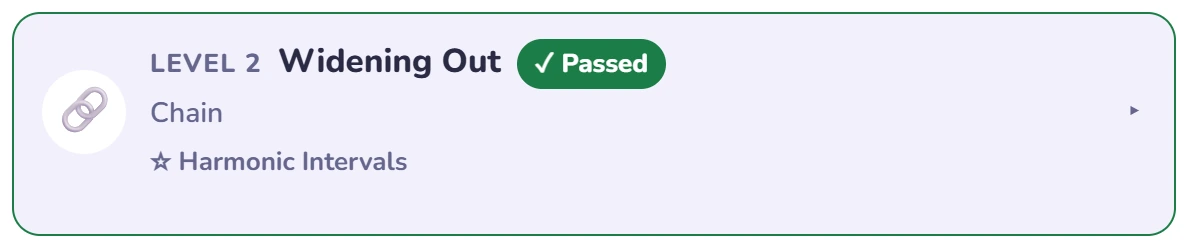
Chain each note onto the last, gradually widening beyond a fixed hand position to an octave.
Name grand-staff landmarks by sight, from the two Middle Cs to all six guide notes.
Find the nearest guide note, then count the interval to the note: how you find a piece’s first note.
5-Note Range again, against a timer, building speed under pressure.
Play the Chain intervals on your piano; the mic confirms each note, up to an octave.
Recognise chord shapes and inversions by sight, from triads to seventh chords.
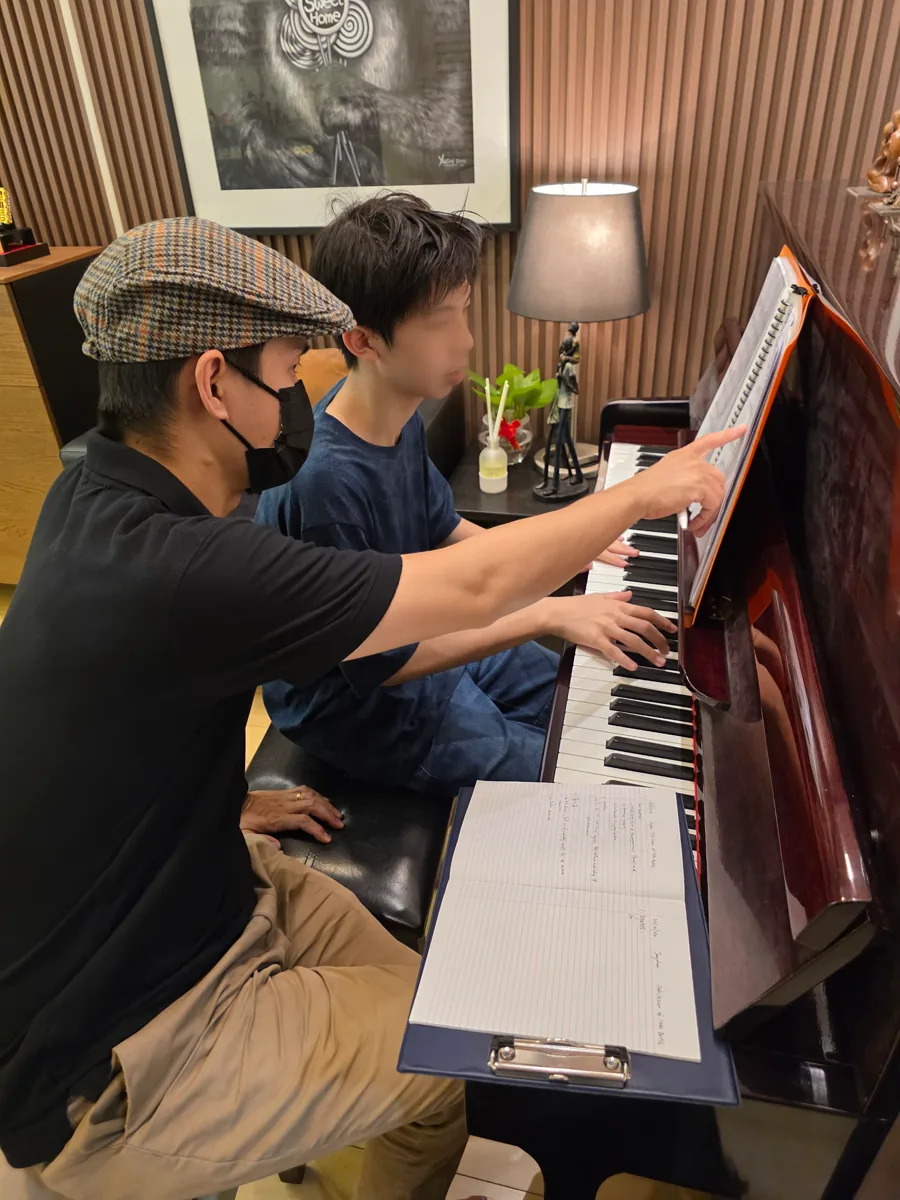
Ten years teaching beginners, and the same wall comes up every time: a student who names any note on a flashcard freezes the moment those notes sit together on a staff.
Reading music isn’t recall — it’s judging distance, at speed, while your hands keep moving. Every online drill for this is flashcards, and a flashcard never rehearses what happens when you actually read.
So I built the practice I couldn’t find: notes on a real staff, a microphone that checks what your hands played instead of what you clicked, and only your first read counts — because on the stand you don’t get a second one.
What I’m after is one thing: a student who opens a new piece and just starts playing.
Seven activities, one skill: see where notes sit, judge the distance, answer at the piano. In order, each building on the last.
Tap any mode to see it running.
Practice is the point, but a bit of competition is what makes them want to beat last week.
Same questions for every student, worldwide, with one run each to see where you land.
Every session earns points toward your week. Steady beats cramming.
Climb your studio board and the world board. Everyone starts Monday level.
A timer on every question and points for each fast, right first answer, from every mode. Beat last week’s total and your best in each mode, and climb the App score side of the board.
Assign focused practice, see who’s fallen behind, and pay one bill for everyone.
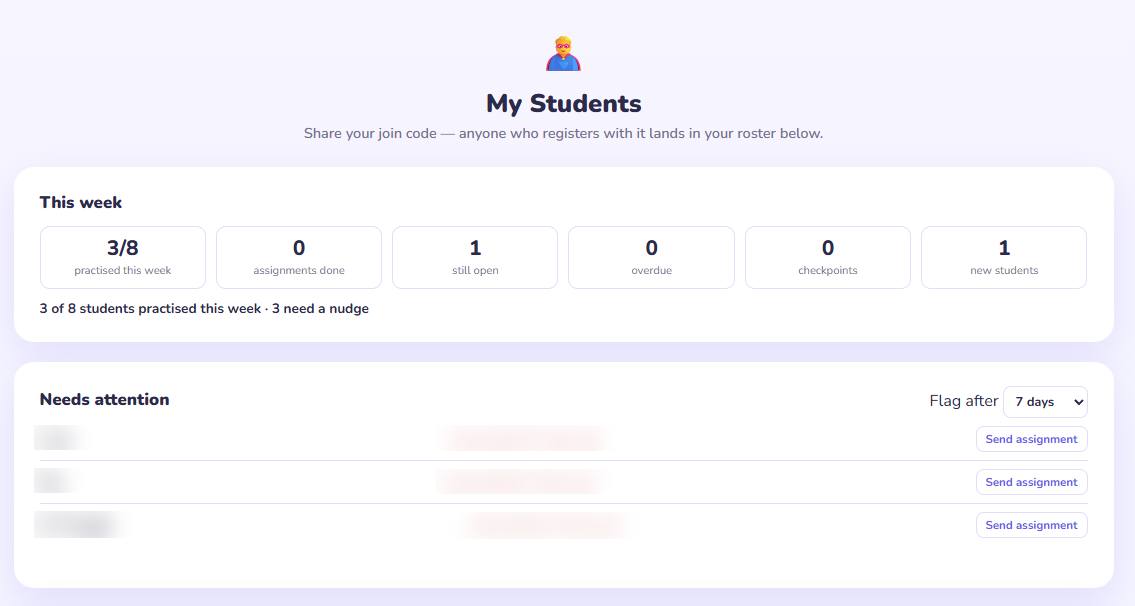
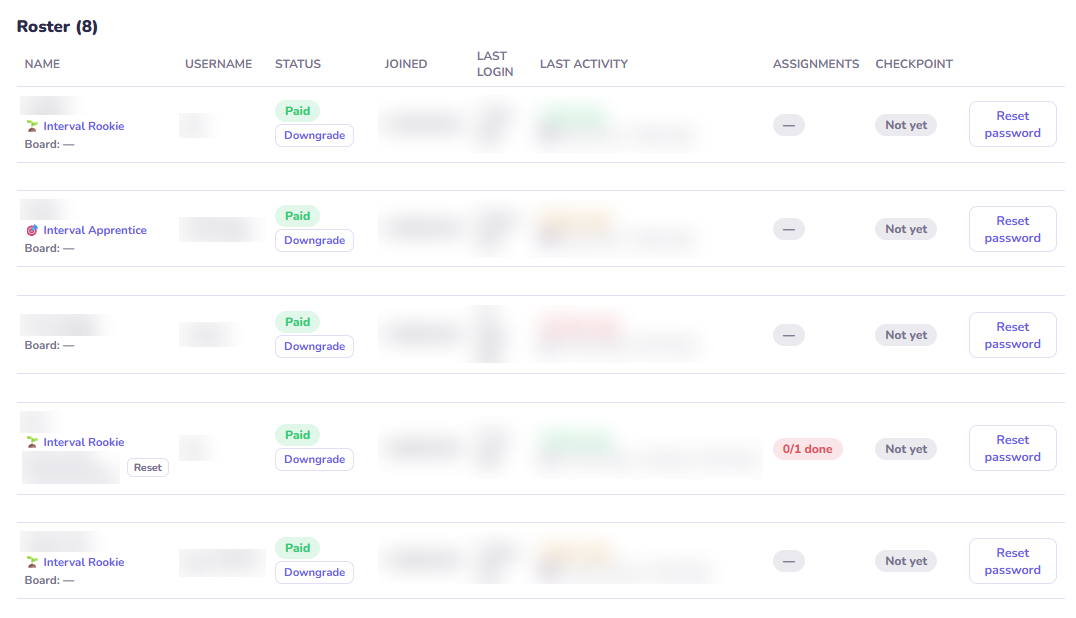
Send a mode and range to one student or the whole roster, then see it ticked off.
The needs-attention list and weekly summary put the quiet students first.
Three student Pro seats are included, with extra seats added only when you need them.
Modelling figures only. You're billed in your region's currency at checkout.
Teacher accounts are set up by hand during onboarding. Have a code? Enter it next. Need one? Email support@interval-hero.app.
No account needed to play. Sign up free to save your progress, and Pro adds the mic, chords and the full path.
Prices shown in Malaysian Ringgit.
Founding studios lock this rate for life.
Request teacher accessTeacher accounts are set up by hand while we onboard our first studios. See the full cost breakdown.
Quick answers before you try it or share it with a student.
Yes — that’s the “Try it free” button: a full session in your browser, no account. Create one after, and that session’s progress comes with you.
No — Play the Note listens through the device’s microphone, so any acoustic or digital piano works. MIDI is supported but never required.
Yes — it runs in any browser on phones, tablets and desktops, and can be added to your home screen for a full-screen, app-like feel.
Yes, with Teacher Pro: a class join-code, a roster with each student’s progress, dated assignments, and a “needs attention” list. Includes 3 student Pro seats; add more any time. See For teachers above for cost.
Cancel any time from your account, and see our Refund Policy for the details.
Sight-reading gets faster once these six landmarks are automatic.
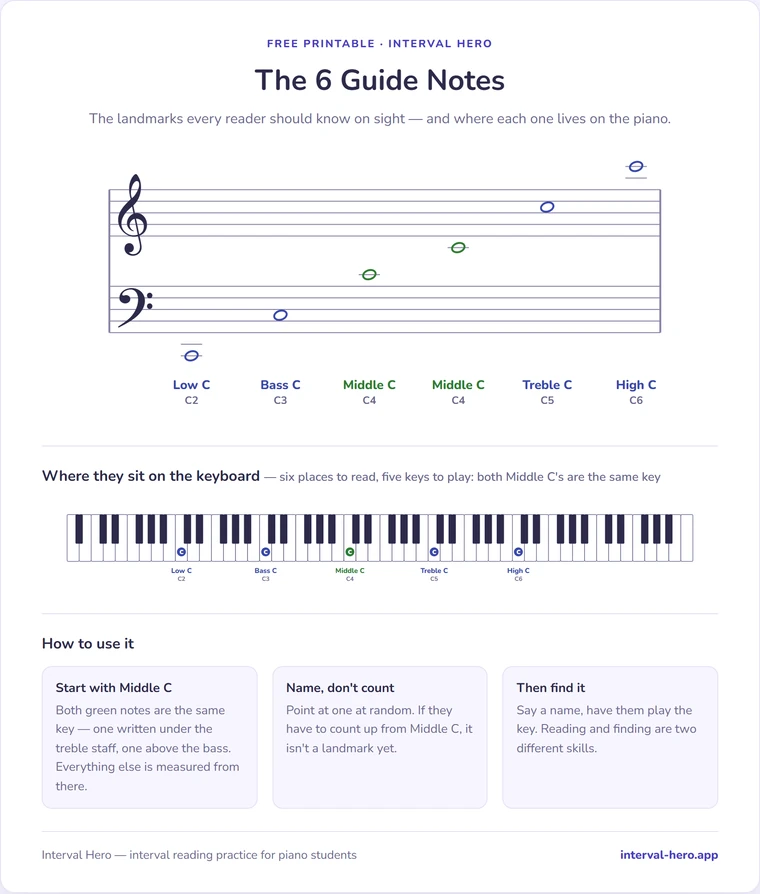
Matching keys marked on a keyboard, three ways to drill them. Print it for your whole studio — no email, no account.
Open the printable Opens in your browser, so you can print it or save it as a PDF.A full practice session, in your browser, right now, with no account and no card.
Try it free